
Etherpad
The Google Docs and Microsoft Word Online alternative
From $20 / month · billed monthly
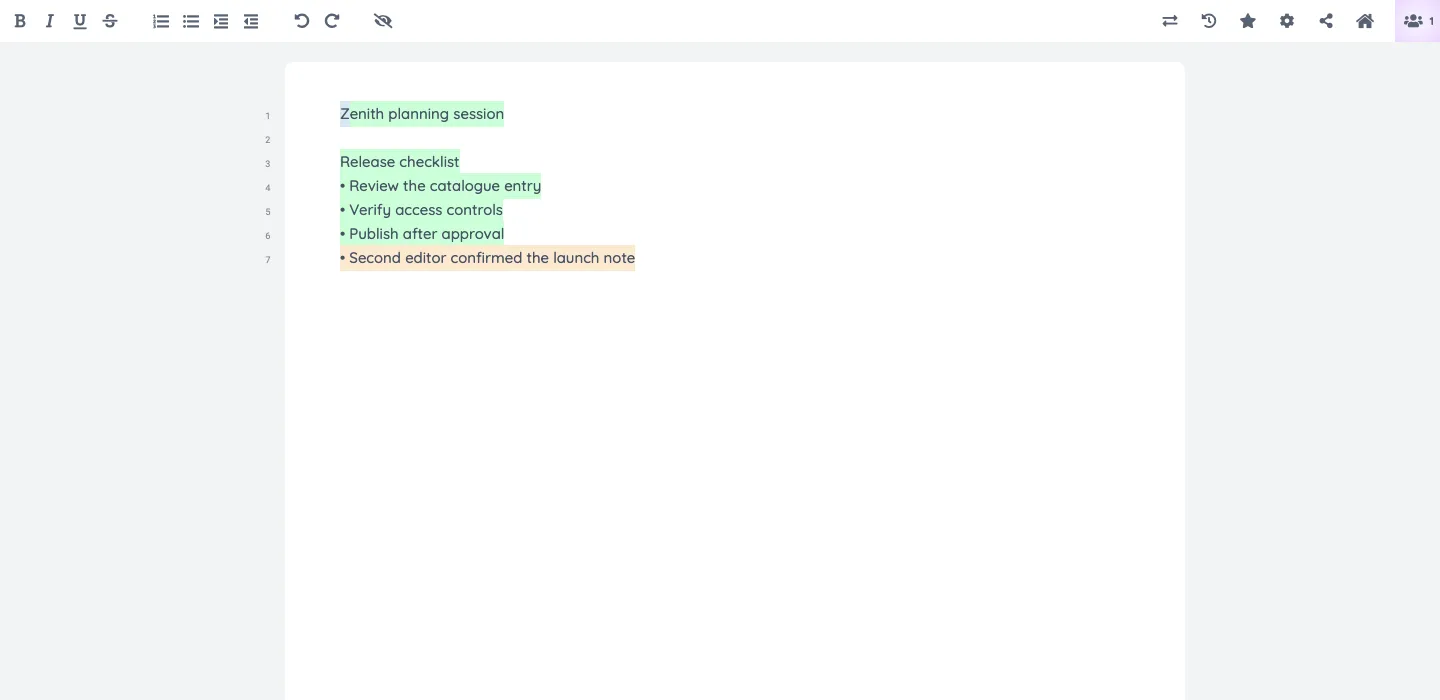
Write notes, plans, and drafts together in real time. See each author’s contributions and revisit earlier revisions. Member access and administration have separate sign-ins.
- documents
- collaboration
- editor
- real-time
- writing
- notes
- revision-history
Screenshots
Frequently asked
- How much does it cost to host Etherpad?
- Hosting Etherpad on Zenith is $20 / month, billed monthly until you cancel.
- How long does Etherpad take to deploy?
- Most apps are live on your own subdomain in about two minutes after you deploy.
- Do I need to manage a server to run Etherpad?
- No. Zenith runs Etherpad for you, with no servers to provision or maintain.
- Can I use my own domain with Etherpad?
- Yes. Each deployment gets a Zenith subdomain, and you can map your own custom domain to it afterwards.
- Can I manage Etherpad with Claude or another AI agent?
- Yes. Connect Claude, Cursor or another AI assistant to Zenith to deploy Etherpad, change its hosting settings and check its status. See the setup guide.
Related apps
AFFiNE
Bring documents, whiteboards, and databases into one workspace. Move from a rough idea to an organized plan without switching tools.
- docs
- notes
- whiteboard
- +4
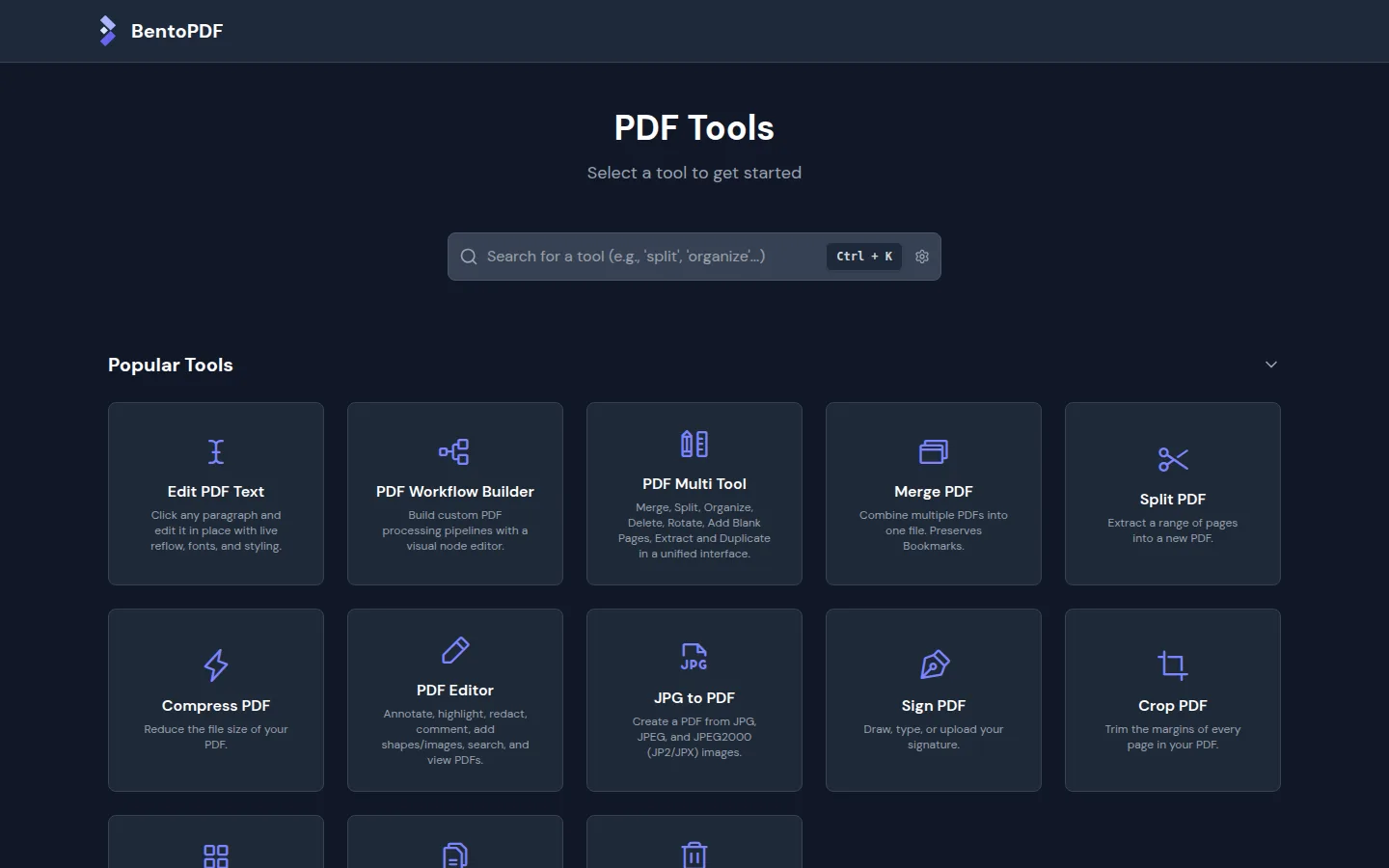
BentoPDF
Merge, split, and organize PDF files in your browser.
- documents
- productivity
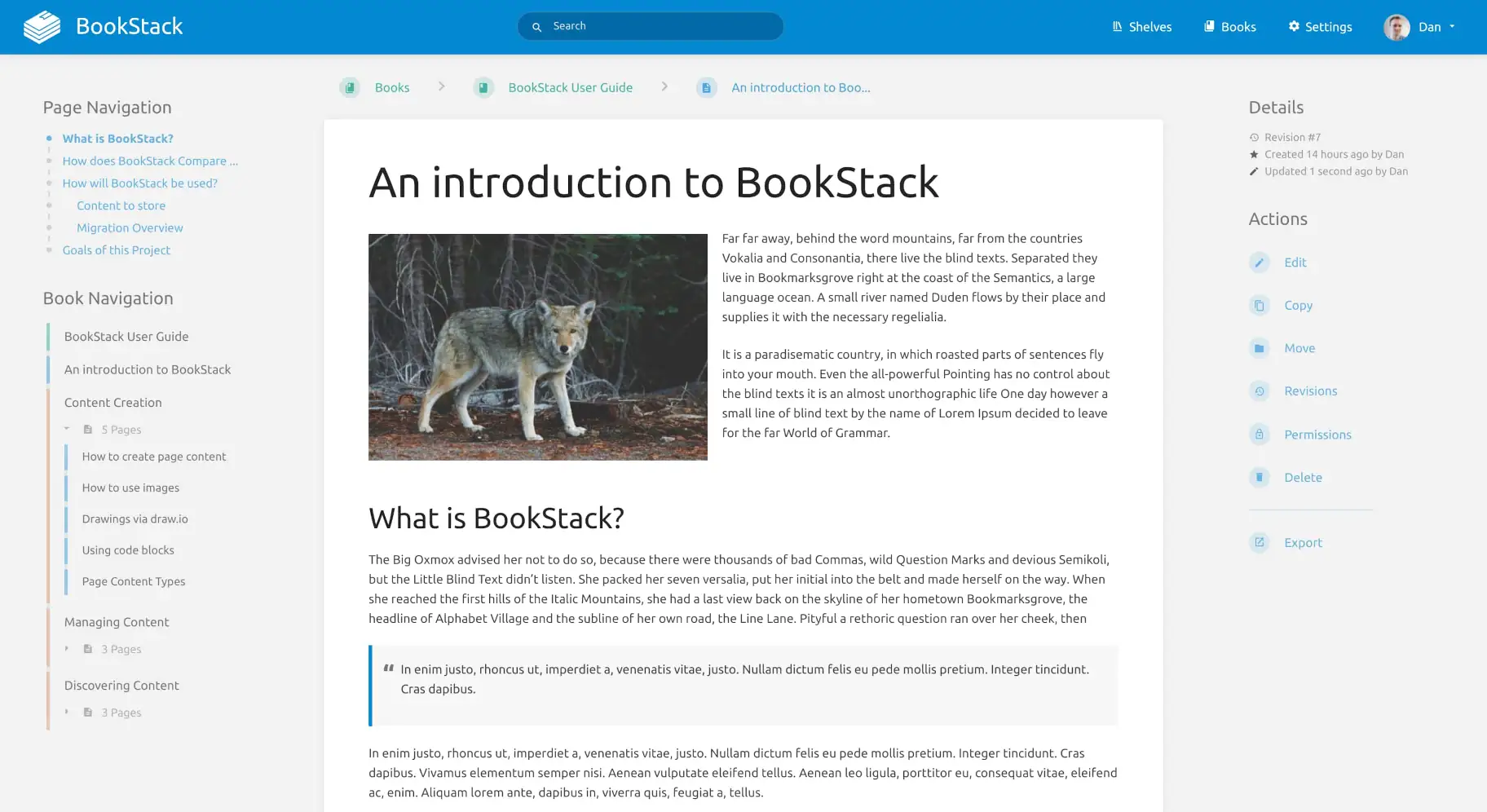
BookStack
Turn scattered team knowledge into a wiki with shelves, books, chapters, and pages. Write in a visual editor and search across everything you have written.
- wiki
- documentation
- knowledge-base
- +2