
GROWI
The Confluence and Notion alternative
From $20 / month · billed monthly
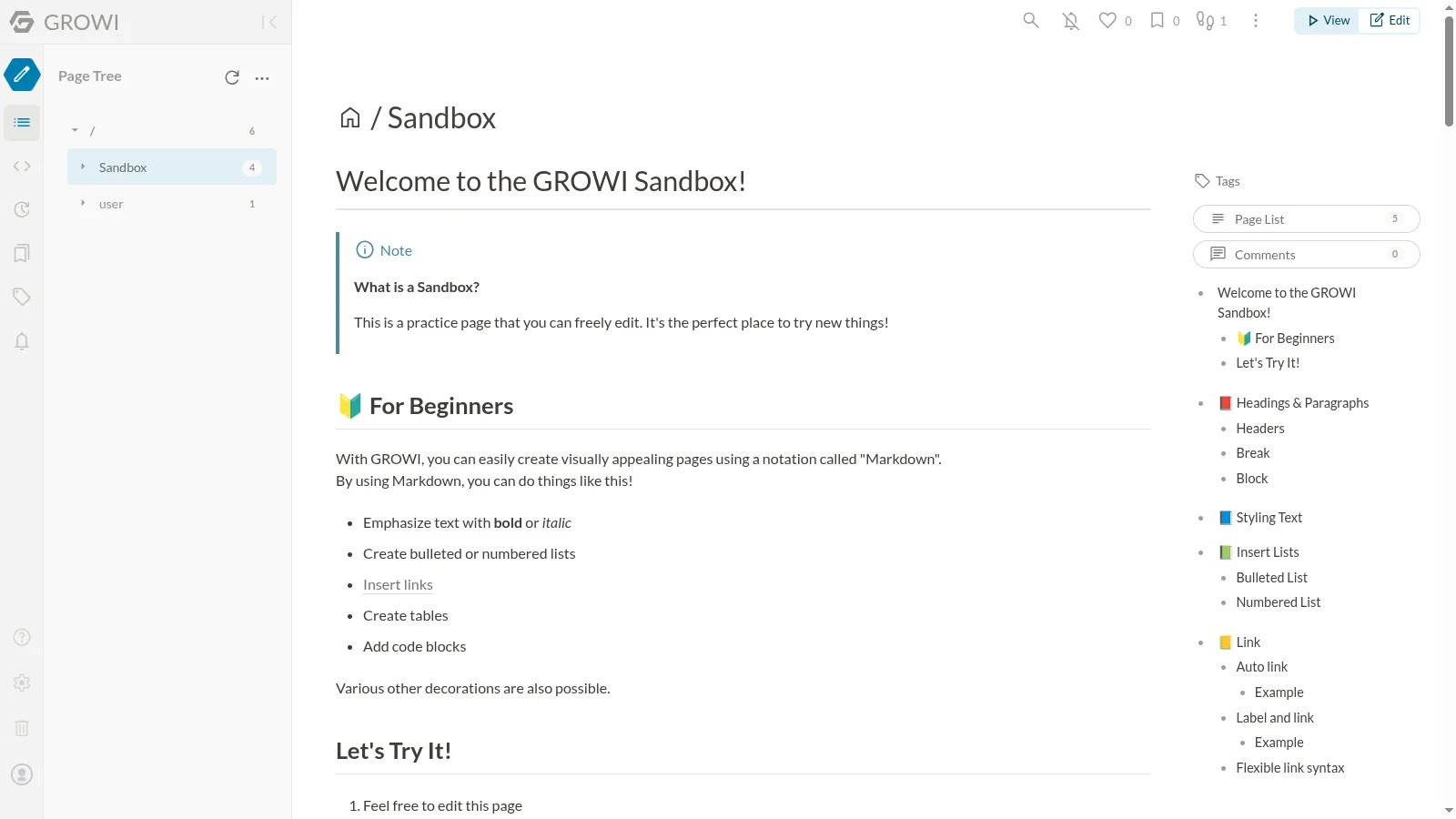
Build a team wiki with Markdown, full-text search, diagrams, and page permissions. Keep procedures, project notes, and reference material easy to find.
- wiki
- documentation
- knowledge-base
- markdown
- collaboration
- confluence
Screenshots
Frequently asked
- How much does it cost to host GROWI?
- Hosting GROWI on Zenith is $20 / month, billed monthly until you cancel.
- How long does GROWI take to deploy?
- Most apps are live on your own subdomain in about two minutes after you deploy.
- Do I need to manage a server to run GROWI?
- No. Zenith runs GROWI for you, with no servers to provision or maintain.
- Can I use my own domain with GROWI?
- Yes. Each deployment gets a Zenith subdomain, and you can map your own custom domain to it afterwards.
- Can I manage GROWI with Claude or another AI agent?
- Yes. Connect Claude, Cursor or another AI assistant to Zenith to deploy GROWI, change its hosting settings and check its status. See the setup guide.
Related apps
AFFiNE
Bring documents, whiteboards, and databases into one workspace. Move from a rough idea to an organized plan without switching tools.
- docs
- notes
- whiteboard
- +4
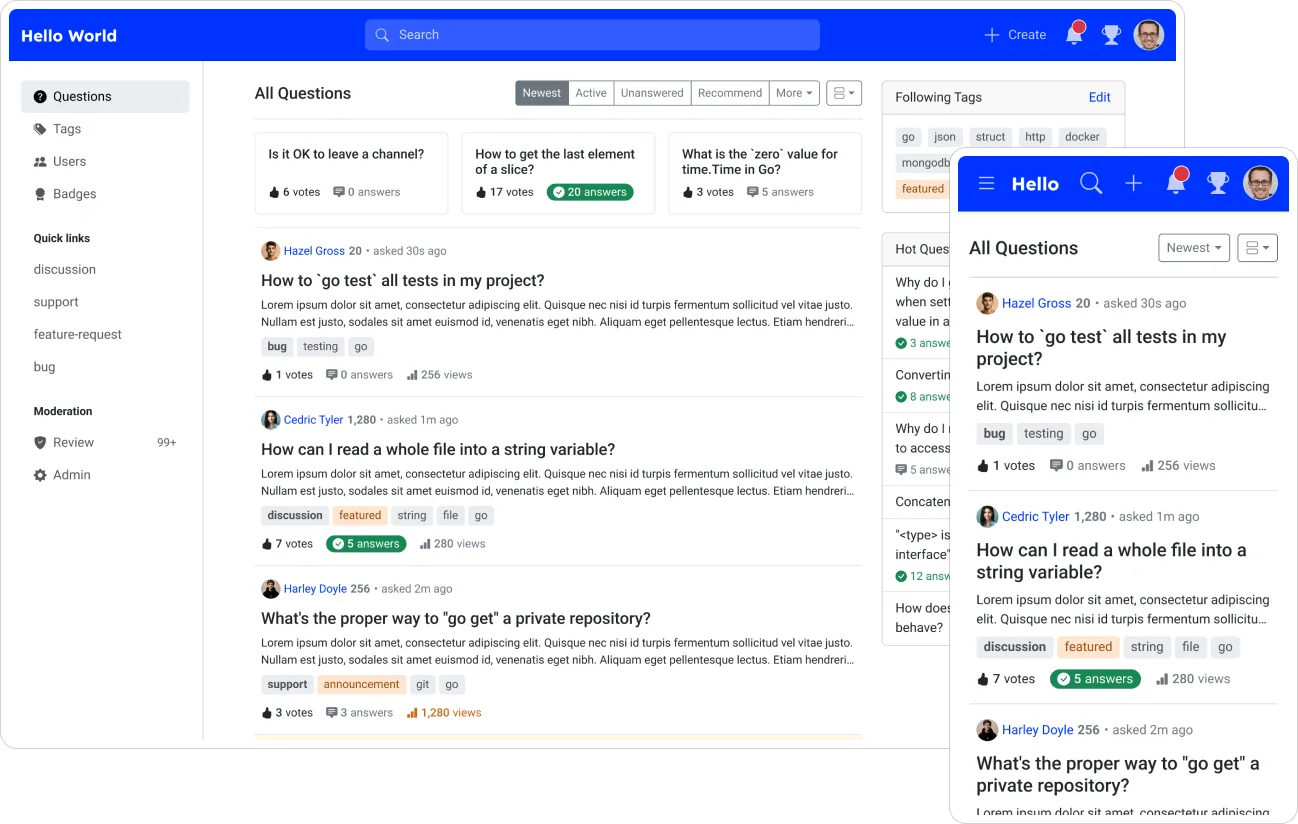
Apache Answer
Build a searchable question-and-answer community where people vote on useful posts, accept solutions, and organize lasting knowledge with tags.
- questions
- answers
- knowledge-base
- +4
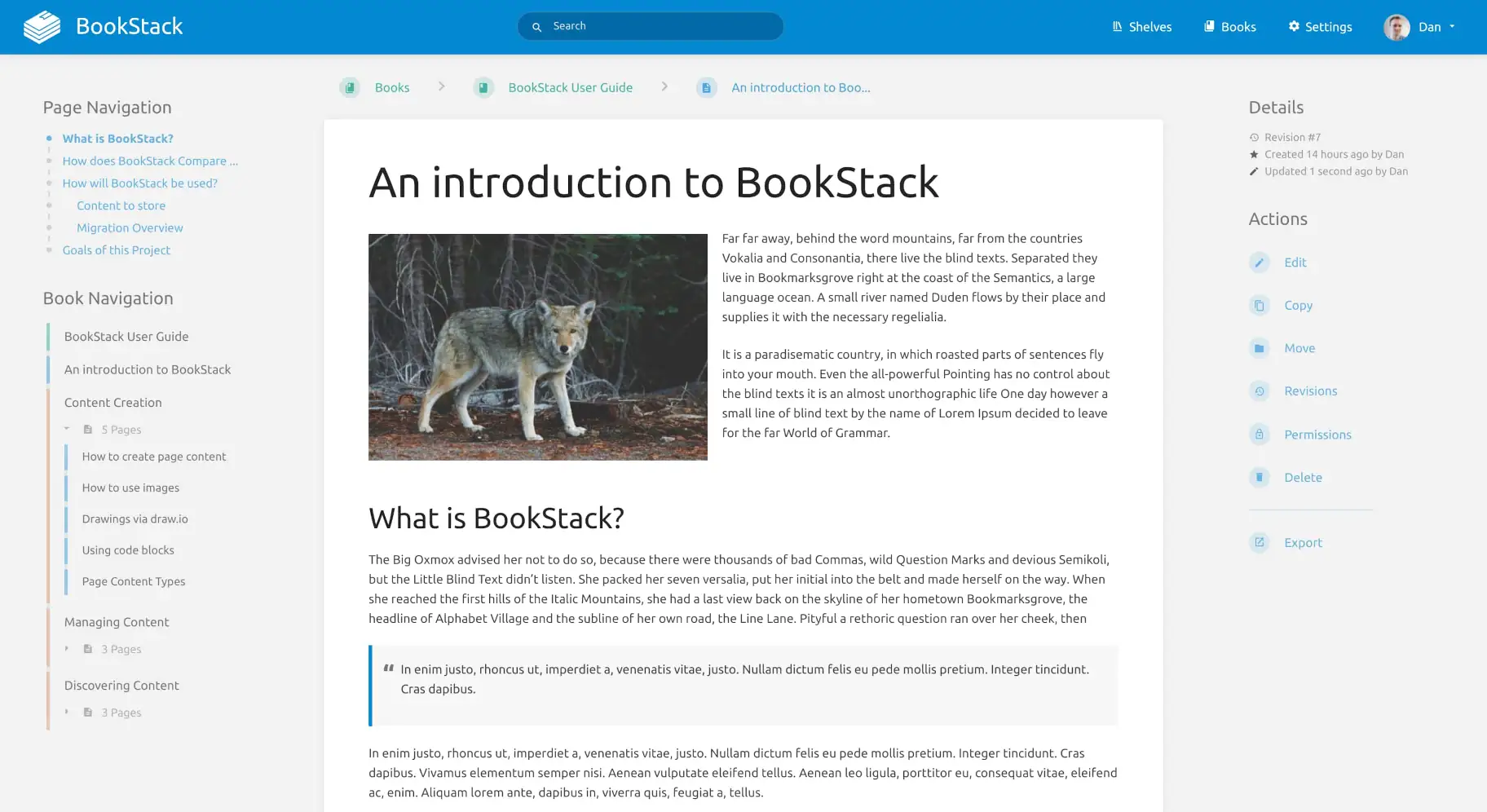
BookStack
Turn scattered team knowledge into a wiki with shelves, books, chapters, and pages. Write in a visual editor and search across everything you have written.
- wiki
- documentation
- knowledge-base
- +2