
PrivateBin
The One-Time Secret and Privnote alternative
From $5 / month · billed monthly
PrivateBin creates encrypted paste links for passwords, recovery codes, code snippets, and other text that should not live in chat history. Choose an expiry, add an optional password, or destroy a note after its first successful read. Encryption and decryption happen in the browser, and the server stores only ciphertext. It is an alternative to One-Time Secret and Privnote for teams and individuals who need a simple, isolated sharing endpoint.
- encrypted notes
- secret sharing
- expiring links
- burn after reading
- pastebin
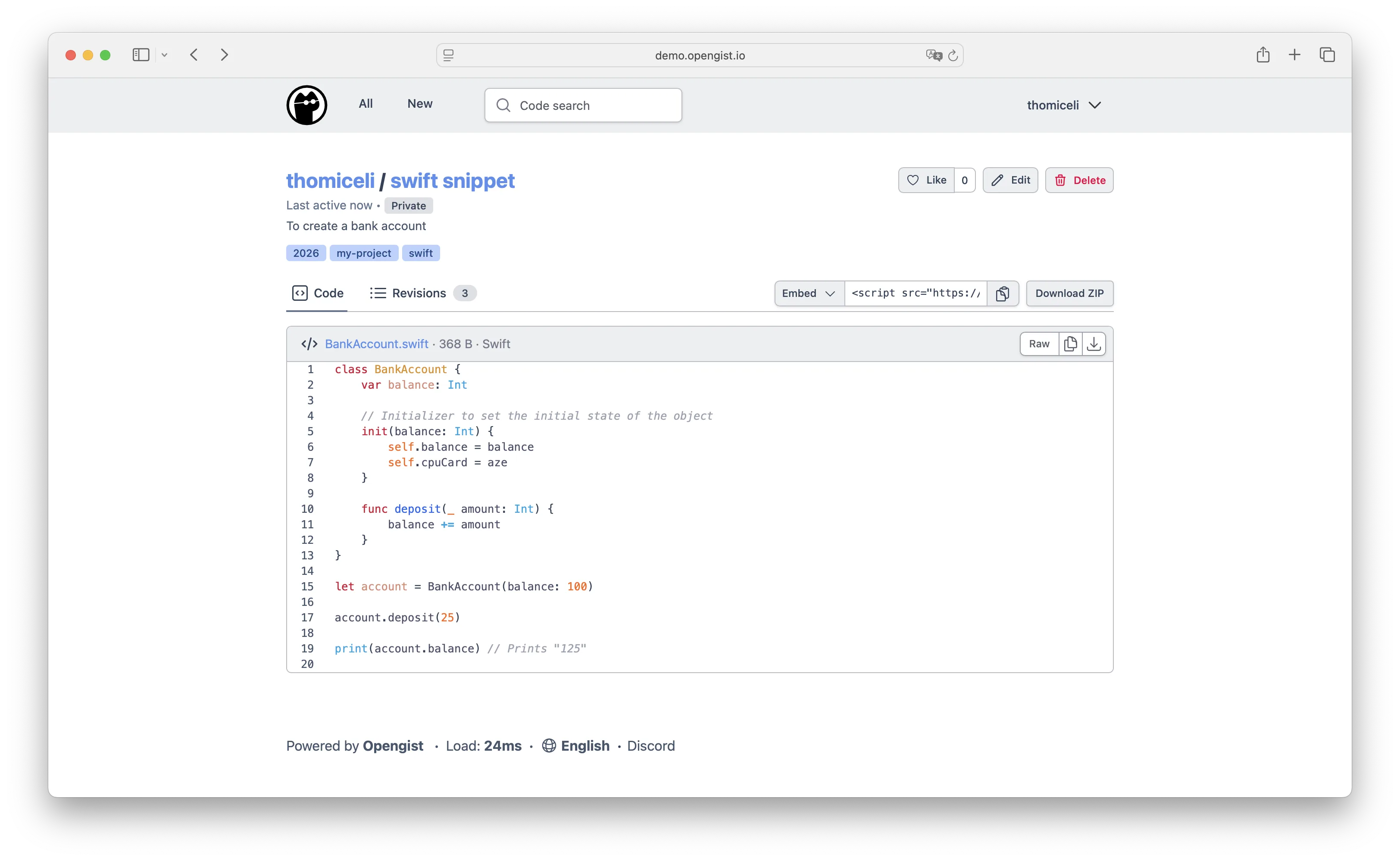
Screenshots
Frequently asked
- How much does it cost to host PrivateBin?
- Hosting PrivateBin on Zenith is $5 / month, billed monthly until you cancel.
- How long does PrivateBin take to deploy?
- Most apps are live on your own subdomain in about two minutes after you deploy.
- Do I need to manage a server to run PrivateBin?
- No. Zenith runs PrivateBin for you, with no servers to provision or maintain.
- Can I use my own domain with PrivateBin?
- Yes. Each deployment gets a Zenith subdomain, and you can map your own custom domain to it afterwards.
- Can I manage PrivateBin with Claude or another AI agent?
- Yes. Connect Claude, Cursor or another AI assistant to Zenith to deploy PrivateBin, change its hosting settings and check its status. See the setup guide.