
Spoolman
The SimplyPrint alternative
From $10 / month · billed monthly
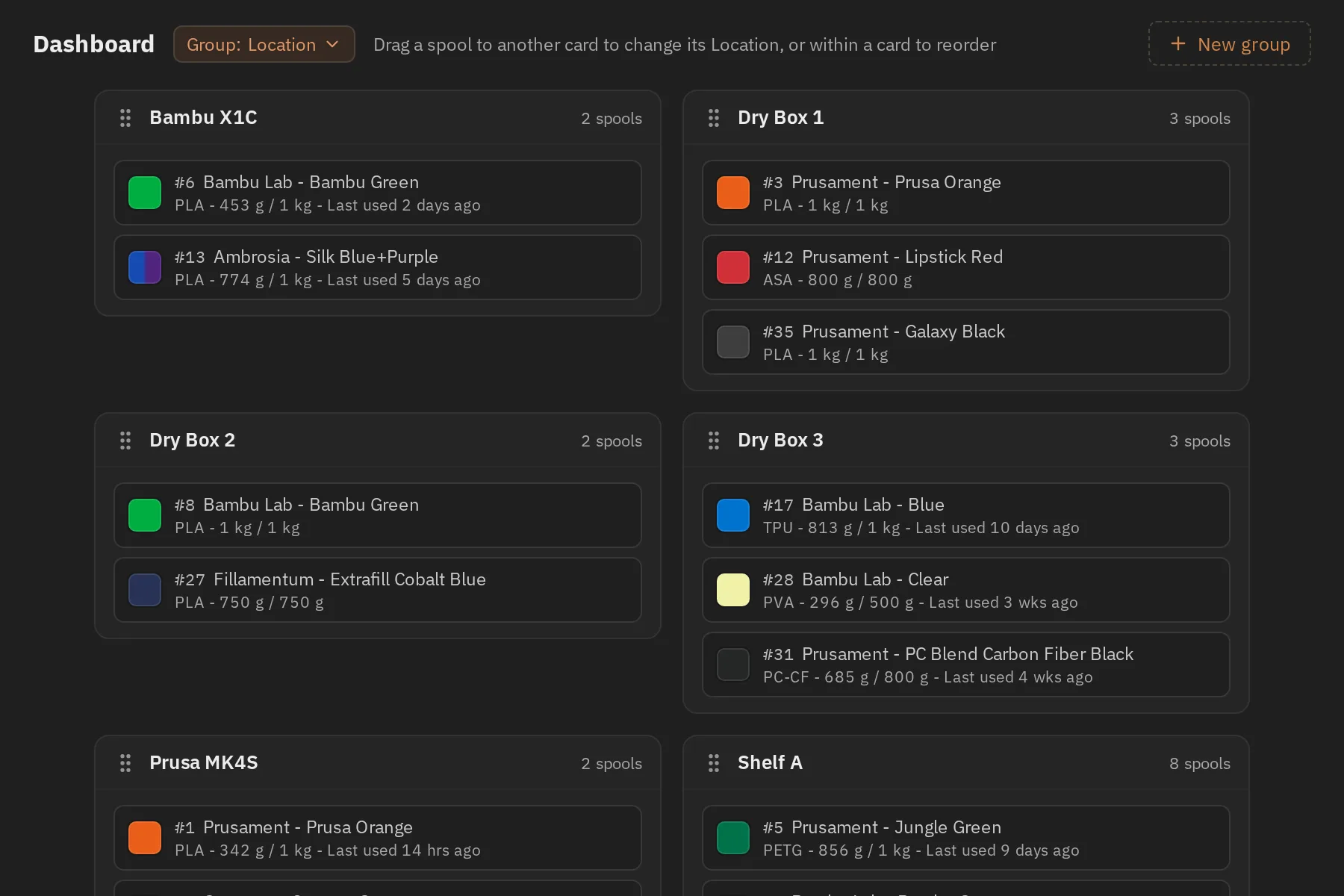
Know which filament you have and how much remains on each spool. Track materials, colours, costs, and storage locations, print labels, and review usage history. Compatible printer integrations can update usage automatically.
- 3d-printing
- filament
- inventory
- spools
- klipper
- octoprint
Screenshots
Frequently asked
- How much does it cost to host Spoolman?
- Hosting Spoolman on Zenith is $10 / month, billed monthly until you cancel.
- How long does Spoolman take to deploy?
- Most apps are live on your own subdomain in about two minutes after you deploy.
- Do I need to manage a server to run Spoolman?
- No. Zenith runs Spoolman for you, with no servers to provision or maintain.
- Can I use my own domain with Spoolman?
- Yes. Each deployment gets a Zenith subdomain, and you can map your own custom domain to it afterwards.
- Can I manage Spoolman with Claude or another AI agent?
- Yes. Connect Claude, Cursor or another AI assistant to Zenith to deploy Spoolman, change its hosting settings and check its status. See the setup guide.
Related apps
Bar Assistant
Build a home-bar inventory, discover cocktails you can make, and keep recipes, ingredients, shopping lists, tasting notes, and menus together.
- cocktails
- recipes
- home-bar
- +3
ERPNext
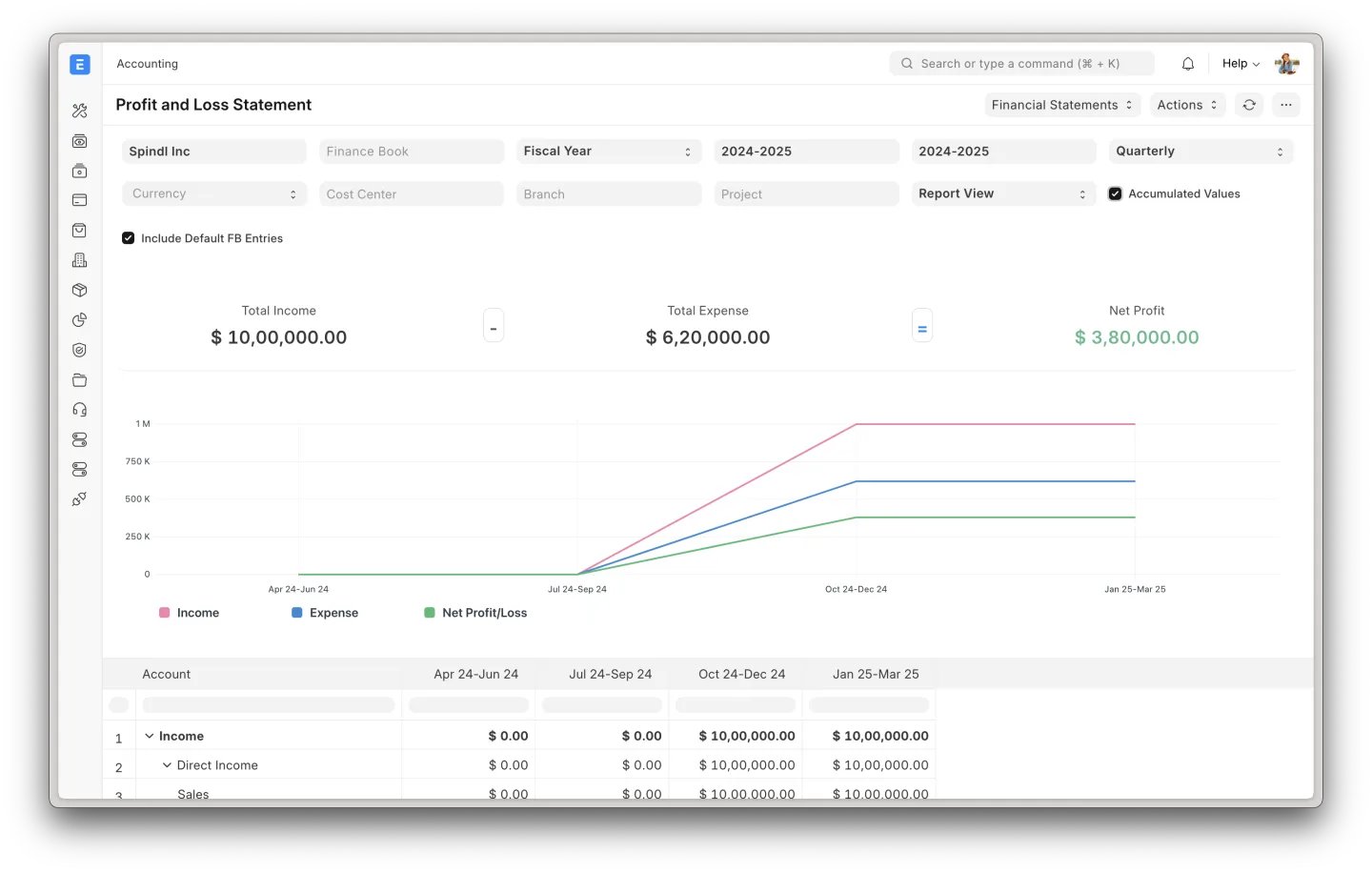
Run accounting, sales, purchasing, inventory, manufacturing, projects, and HR from one business system, on shared records instead of separate tools.
- erp
- accounting
- invoicing
- +5
Grocy
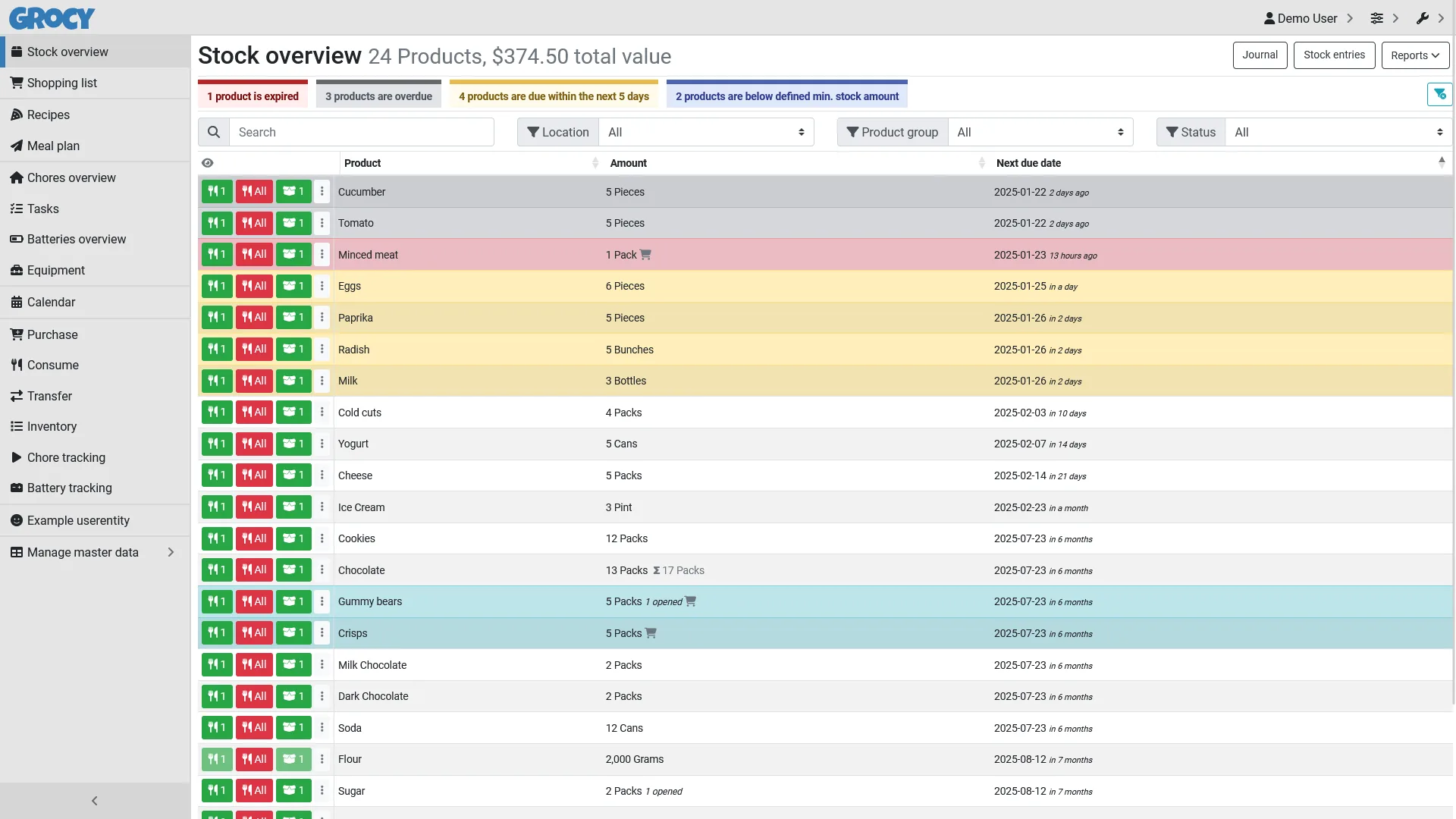
Track pantry stock, expiry dates, purchases, shopping lists, recipes, chores, equipment, and household supplies in one shared home inventory.
- groceries
- pantry
- inventory
- +5