

Super Productivity
tasks
From $10 / month · billed monthly
Organize tasks into projects and review the time you spend on your work. Time tracking works only while the app is open. Access uses one private login. Your data stays in your browser; clearing site data loses unsynced work. Device sync and server backups are not included.
- tasks
- time-tracking
- productivity
- pomodoro
Screenshots
Frequently asked
- How much does it cost to host Super Productivity?
- Hosting Super Productivity on Zenith is $10 / month, billed monthly until you cancel.
- How long does Super Productivity take to deploy?
- Most apps are live on your own subdomain in about two minutes after you deploy.
- Do I need to manage a server to run Super Productivity?
- No. Zenith runs Super Productivity for you, with no servers to provision or maintain.
- Can I use my own domain with Super Productivity?
- Yes. Each deployment gets a Zenith subdomain, and you can map your own custom domain to it afterwards.
- Can I manage Super Productivity with Claude or another AI agent?
- Yes. Connect Claude, Cursor or another AI assistant to Zenith to deploy Super Productivity, change its hosting settings and check its status. See the setup guide.
Related apps
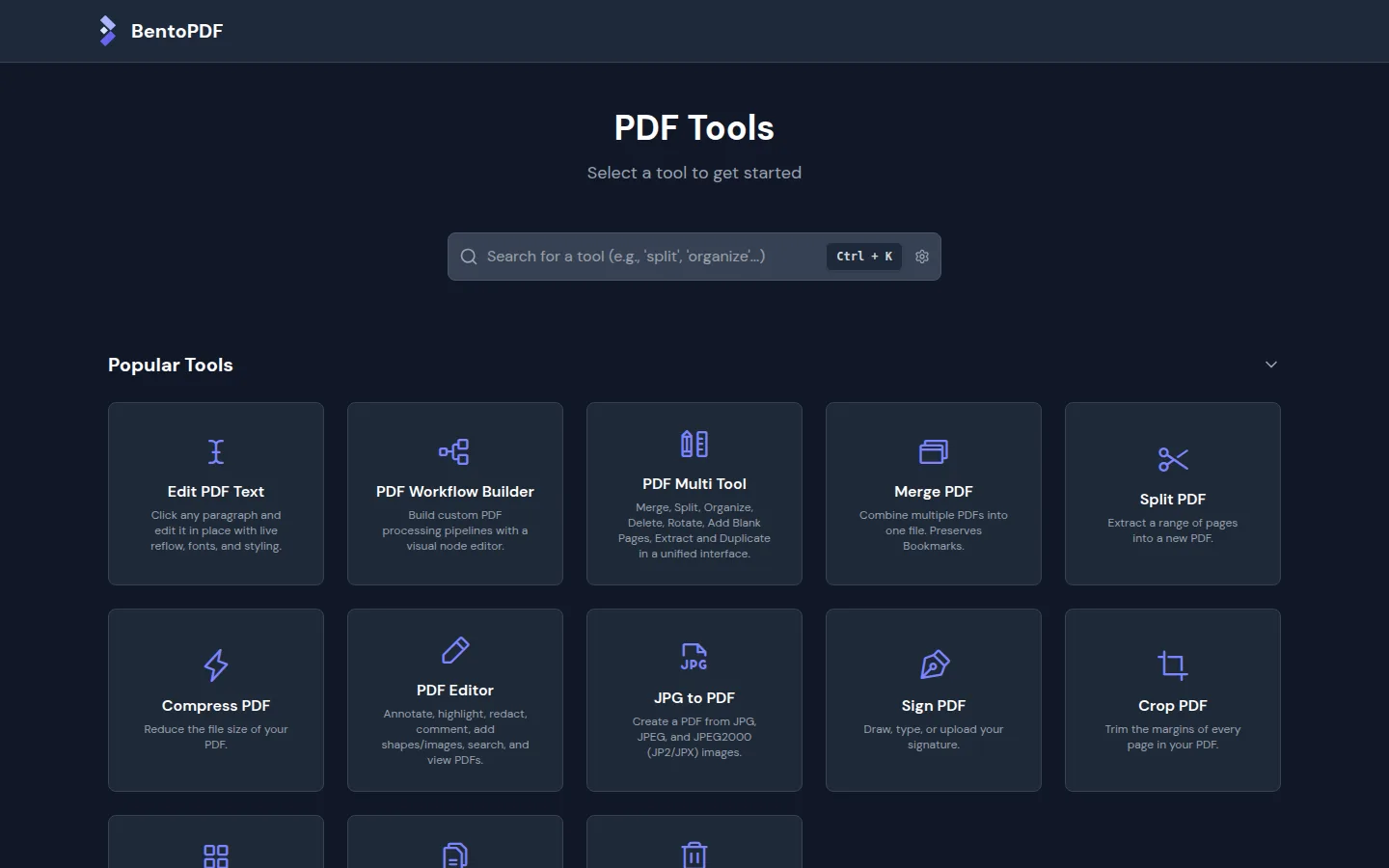
BentoPDF
Merge, split, and organize PDF files in your browser.
- documents
- productivity
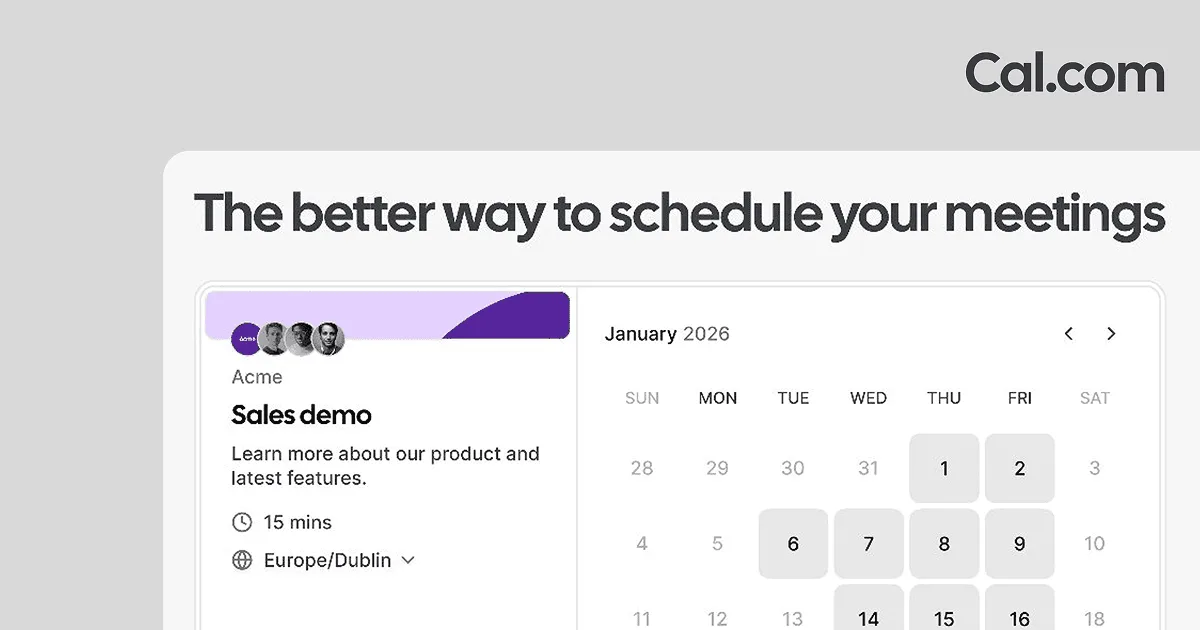
Cal.com
Let people book time with you without the scheduling back-and-forth. Set availability, share booking links, and keep meetings on your calendar.
- scheduling
- calendar
- booking
- +3
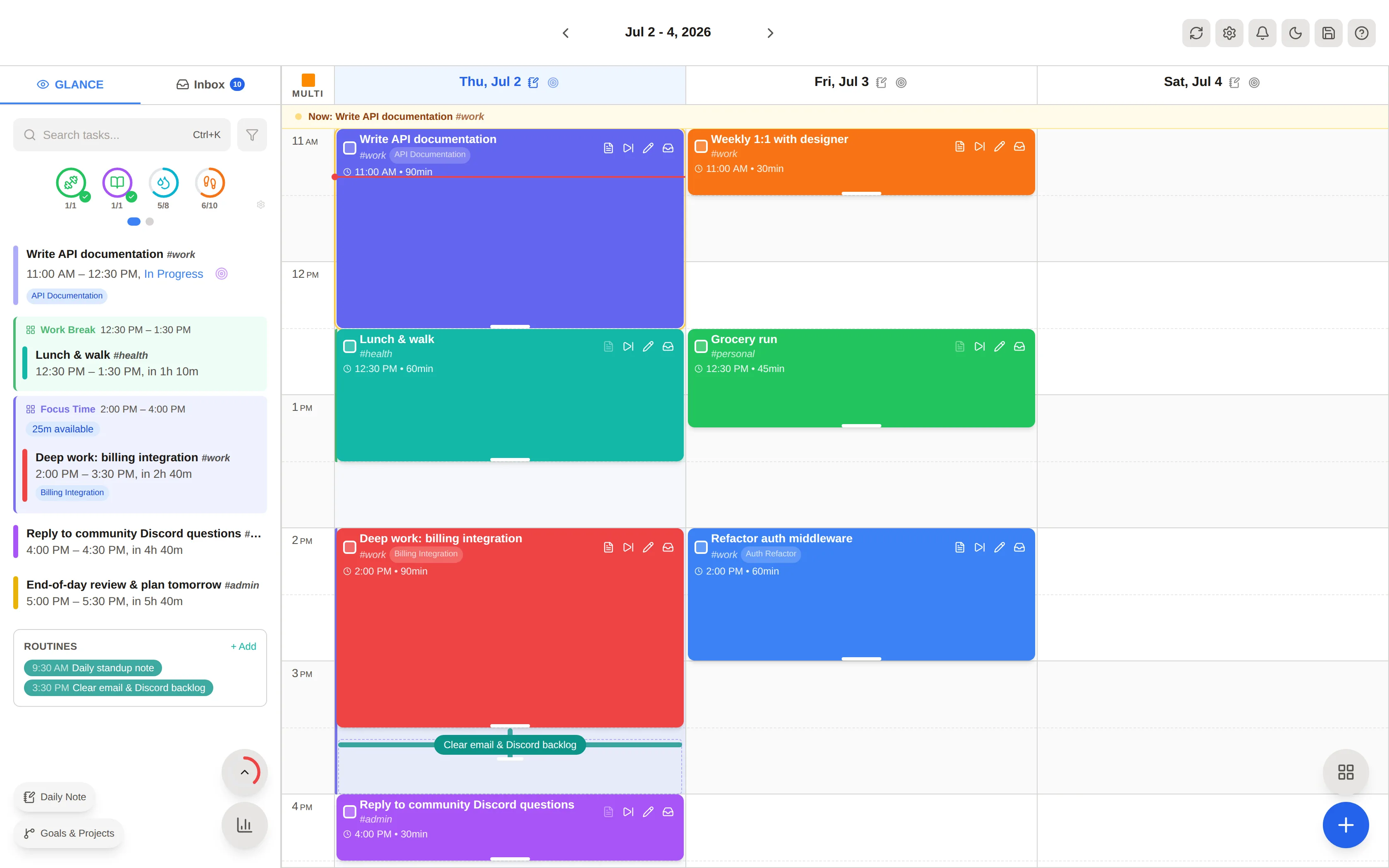
dayGLANCE
Plan your day with a visual schedule, tasks, and calendar events in one dashboard.
- daily-planner
- calendar
- tasks