
code-server
The GitHub Codespaces and Gitpod alternative
From $10 / month · billed monthly
10 GB storage
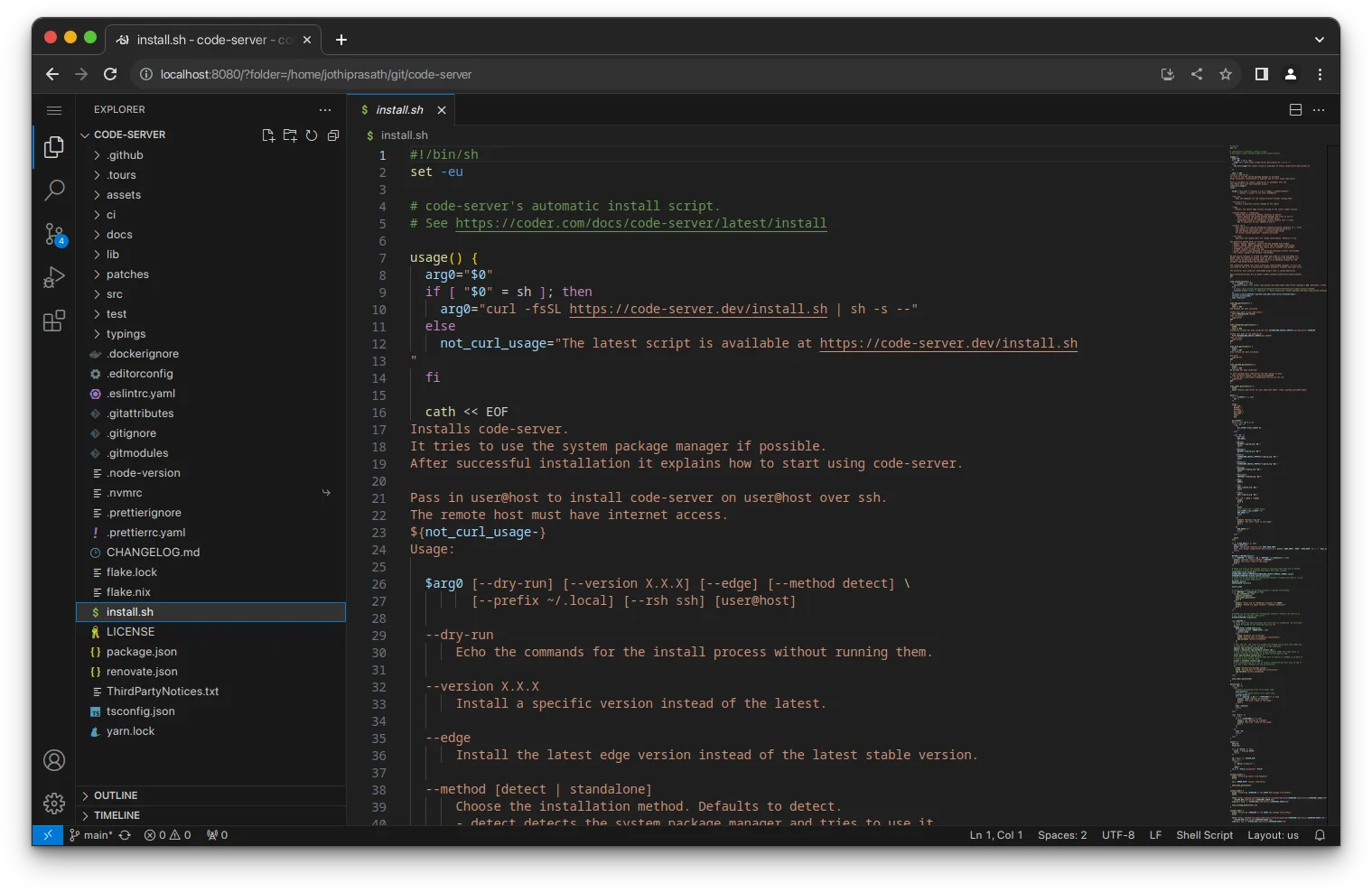
Work in a browser-based VS Code workspace with a terminal, Git tools, and compatible extensions. Return to the same projects and editor settings from any computer. Designed for individual use; GPU workloads and running containers are not supported.
- development
- code-editor
- vscode
- ide
- terminal
- git
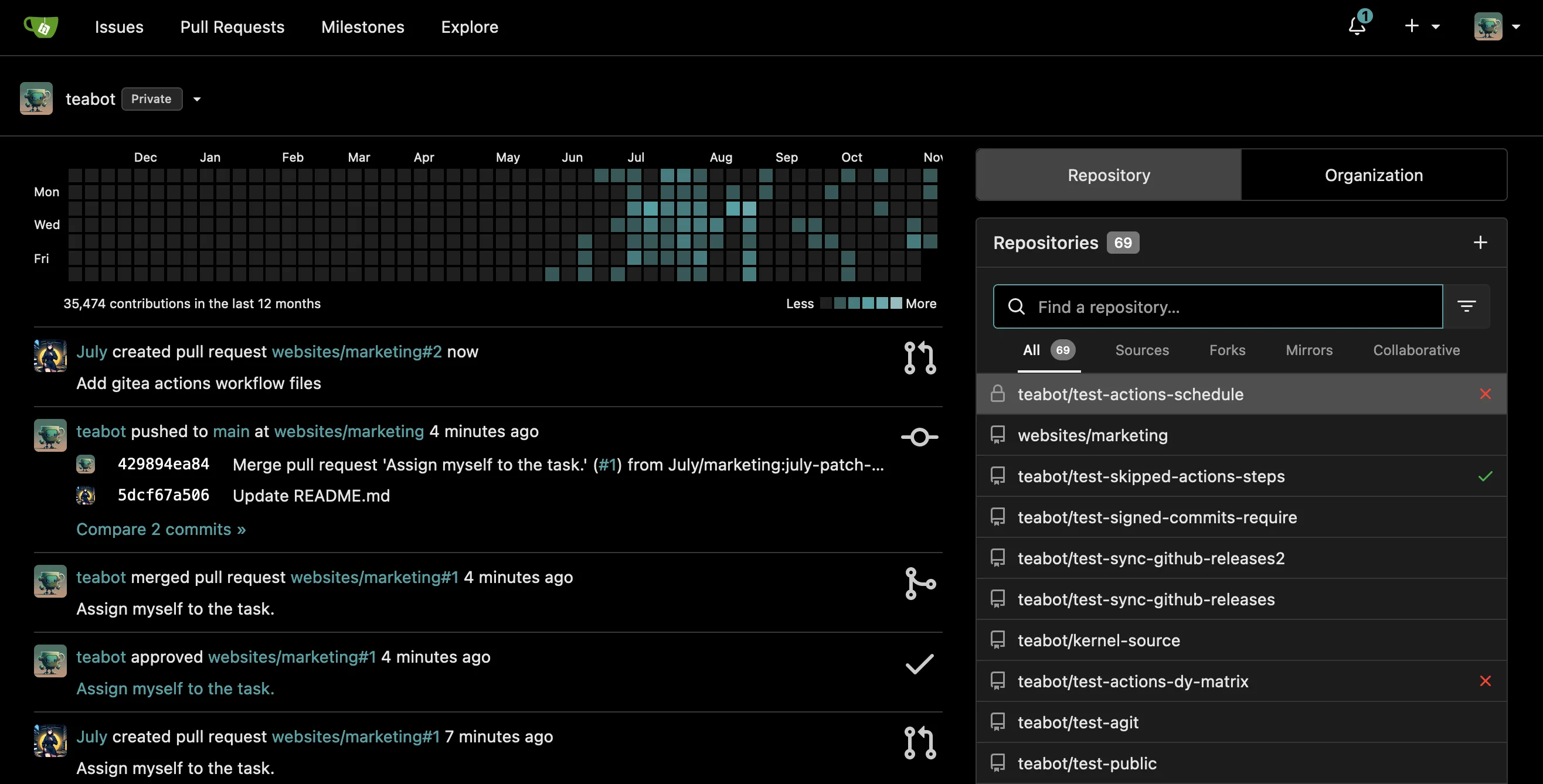
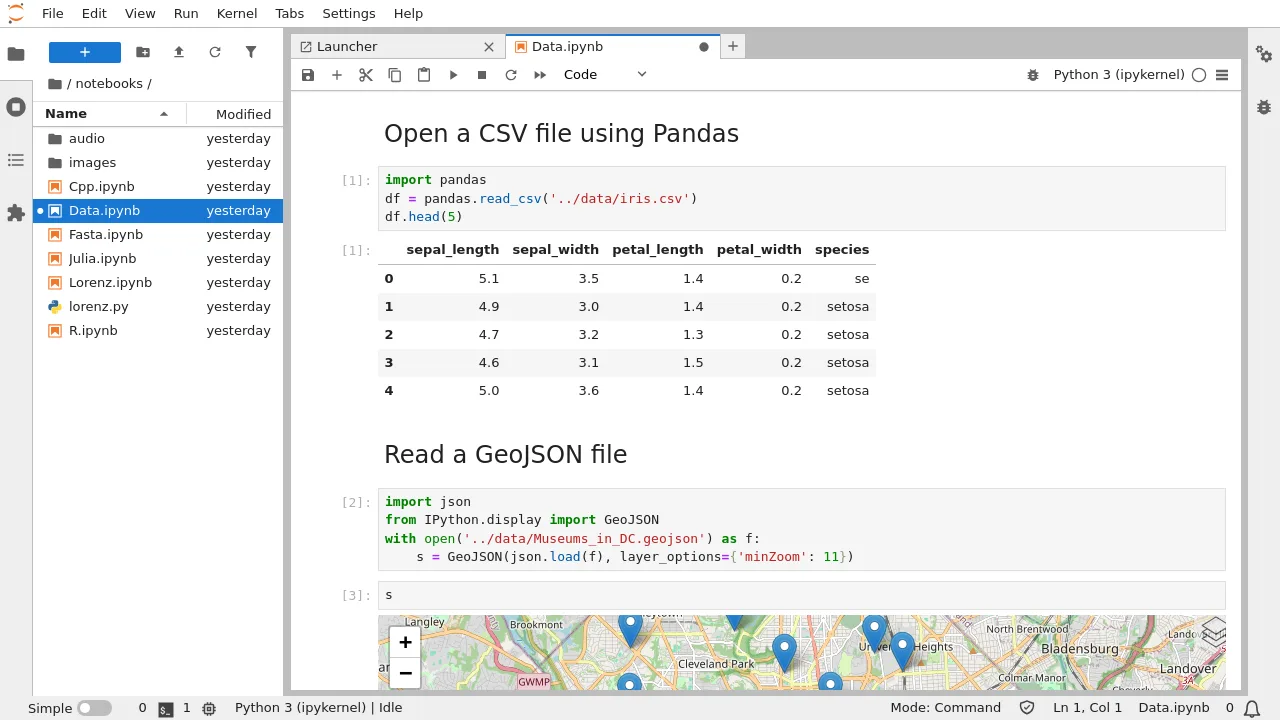
Screenshots
Frequently asked
- How much does it cost to host code-server?
- Hosting code-server on Zenith is $10 / month, billed monthly until you cancel.
- How long does code-server take to deploy?
- Most apps are live on your own subdomain in about two minutes after you deploy.
- Do I need to manage a server to run code-server?
- No. Zenith runs code-server for you, with no servers to provision or maintain.
- Can I use my own domain with code-server?
- Yes. Each deployment gets a Zenith subdomain, and you can map your own custom domain to it afterwards.
- Can I manage code-server with Claude or another AI agent?
- Yes. Connect Claude, Cursor or another AI assistant to Zenith to deploy code-server, change its hosting settings and check its status. See the setup guide.
Related apps
Forgejo
Host Git repositories with pull requests, issue tracking, releases, and CI runners. Give your team one place to review code and ship changes.
- git
- forge
- software-development
- +3
Gitea
Put Git repositories, issues, pull requests, releases, and CI in one lightweight service. Give your team a clear home for code.
- git
- forge
- devops
- +2
JupyterLab
Write and run Python notebooks in a browser, keep project files together, and explore code and data interactively.
- notebooks
- python
- data-science
- +2