
Google PhotosImmich

Switching from Google Photos to Immich
Immich feels a lot like Google Photos. Your phone backs up on its own, search understands what is in a picture, and faces are grouped into people. Here is what changes, and how to move your library.
· Free and open source (AGPL-3.0) · iPhone, Android and web
The short version
Switch to Immich if
- You want your photos kept at full quality, exactly as your phone took them.
- You would rather your library was not tied to your Google account.
- You mostly back up, browse, search and share albums.
Stay with Google Photos if
- You rely on Google's editing tools, like Magic Eraser.
- You enjoy the collages and highlight videos Google makes for you.
- Most of your family's photos reach you through Google's shared albums.
What it is like to use
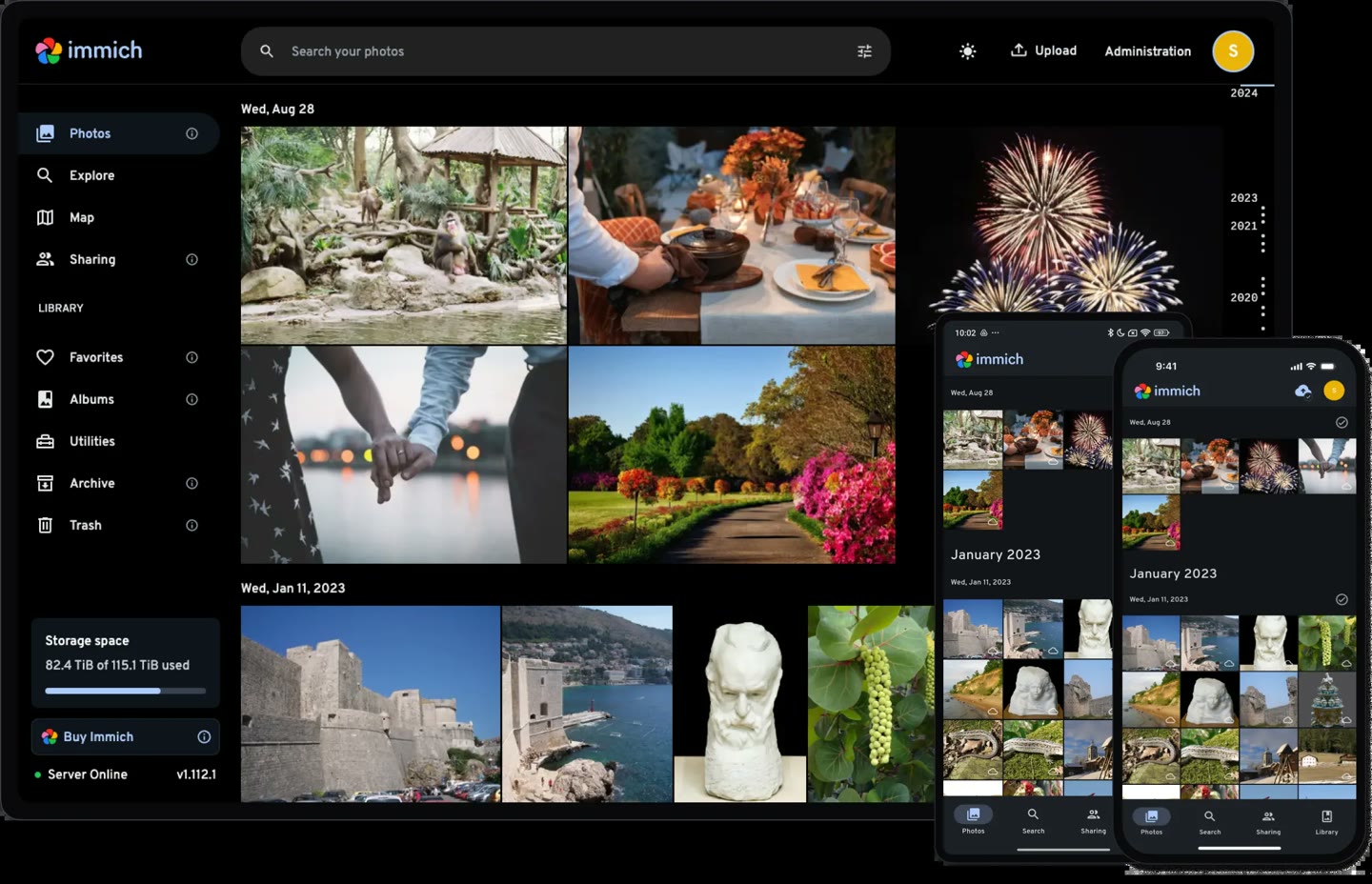
Open the Immich app on your phone and it looks familiar: a timeline of every photo and video, newest first. New shots upload in the background. On a computer, the web app shows the same library, with albums, a map of where photos were taken and "on this day" memories at the top.
What you keep and what you give up
Works like Google Photos
- Automatic backup from your phone
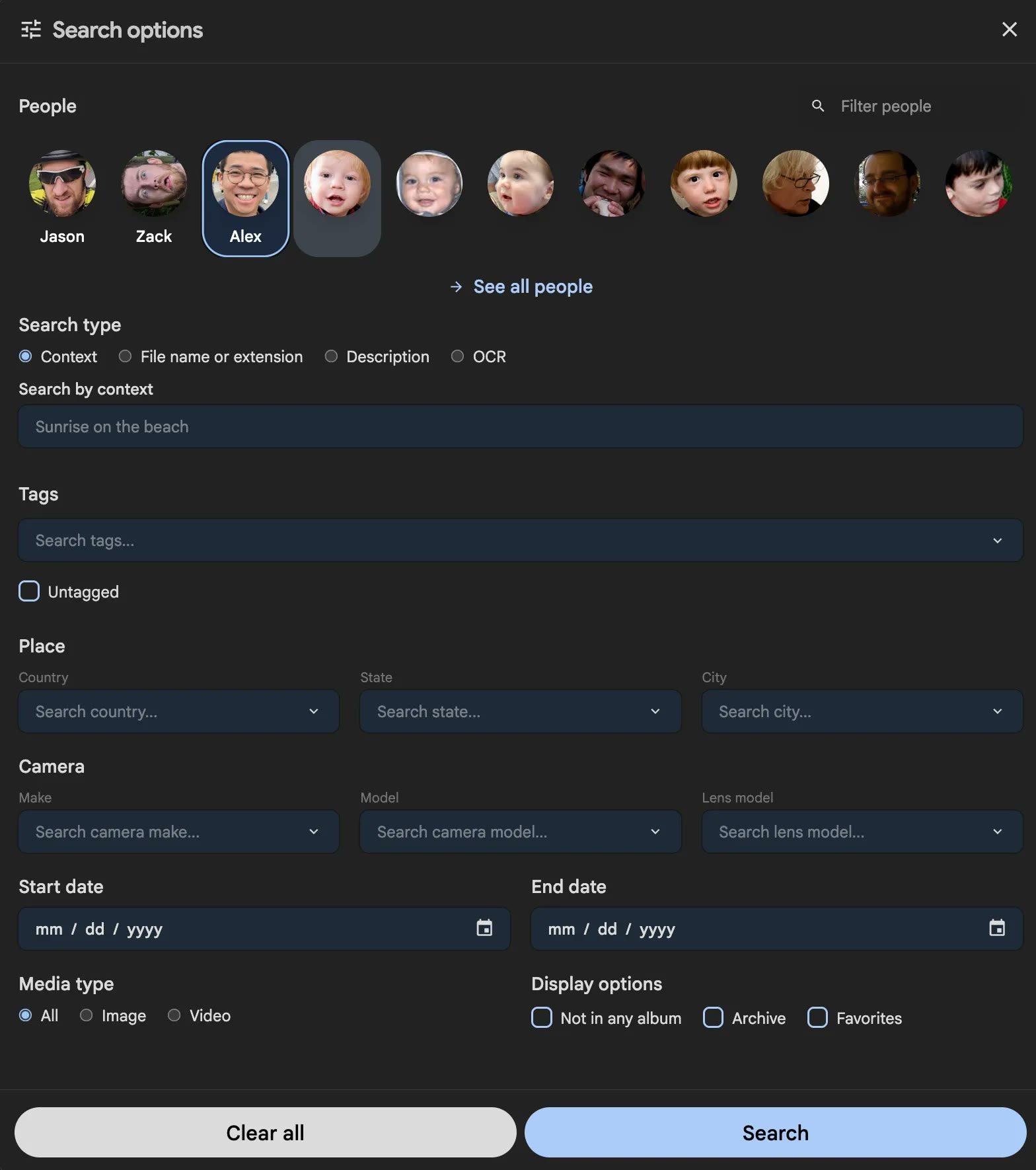
- Search by what is in a photo, like "beach" or "birthday cake"
- Faces grouped into people
- Albums, shared albums and share links
- A map of where photos were taken
- "On this day" memories
You give up
- Most editing. The phone app can crop and rotate, but there is no Magic Eraser.
- Automatic collages, animations and highlight videos
- Google Lens
Where things are
Most of Google Photos has a direct match.
| In Google Photos | In Immich |
|---|---|
| Photos tab | Photos, the main timeline |
| Search | Search, with people and places under Explore |
| Library and albums | Albums |
| Partner sharing | Partner sharing |
| Archive | Archive |
| Memories | Memories, at the top of the timeline |
Moving your photos over
Google lets you download everything with Google Takeout. It takes a while for a big library, and Google sends you a link when the files are ready. One catch: Takeout saves each photo's date and location in a separate file next to it, so uploading the folder as it is can leave photos on the wrong day.
Comes across
- Every original photo and video
- Dates and locations, with immich-go
- Your albums, with immich-go
Stays behind
- Edits made in Google Photos. You get the originals.
- Albums other people shared with you
Getting your phone to back up
- Allow access to all photos. If the app can only see some photos, it only backs up those.
- Let it run in the background. On iPhone, turn on Background App Refresh for Immich. Otherwise it only uploads while the app is open.
- Pick your albums. Choose which phone albums to back up, such as Camera and Screenshots.
Want Immich without setting it up?
Zenith can run Immich for you. Pick an address and it is ready in a couple of minutes. It starts with 25 GB for photos and videos, and we can add more.
Common questions
- Does Immich shrink my photos?
- No. It keeps the original files as your phone took them, and makes smaller copies only for fast browsing.
- How much space will I need?
- A little more than Google Photos says you use. Google often stores compressed copies, while Immich keeps full-quality originals.
- Can my family use it?
- Yes. Each person gets their own account and library. You can share albums, or turn on partner sharing so two people see each other's photos.
- Can I try it before leaving Google?
- Yes. Both apps can back up the same phone at the same time, so you can keep Google Photos until you are happy.