
1Password or LastPassVaultwarden
Switching from 1Password or LastPass to Vaultwarden
Vaultwarden keeps your passwords and works with the free Bitwarden apps on every phone, computer and browser. Features Bitwarden charges for are included. Here is what changes and how to move your passwords.
· Free and open source (AGPL-3.0) · Uses the official Bitwarden apps
The short version
Switch to Vaultwarden if
- You want a password manager for the whole family without paying per person.
- You want premium features, like built-in two-factor codes, for everyone.
- You are happy using the Bitwarden apps.
Stay with 1Password or LastPass if
- You want a company to call when something goes wrong.
- You rely on 1Password-only features like Travel Mode.
What it is like to use
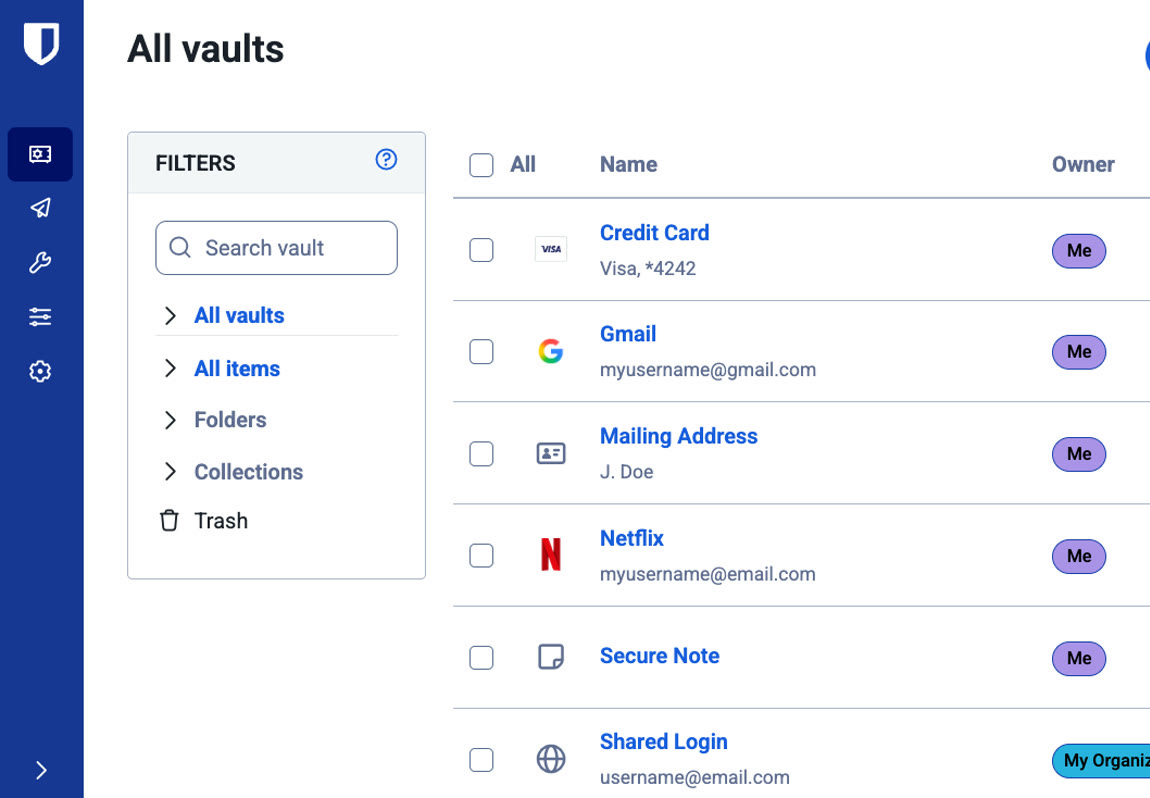
You use Bitwarden's own apps and browser extension, so day to day it is Bitwarden. Logins fill in on websites and in phone apps, and new passwords are saved as you sign up. Vaultwarden is the part that stores your vault and keeps every device in sync. It is a community project, not made by Bitwarden.
What you keep and what you give up
Works like 1Password and LastPass
- Autofill in your browser and on your phone
- Two-factor codes saved next to your logins
- Sharing passwords with family or a team
- Cards, identities and secure notes
- Sending a password or file with a link that expires
- Emergency access for someone you trust
You give up
- Official support. Vaultwarden is a community project.
- Travel Mode and other features unique to 1Password
Where things are
| In 1Password or LastPass | In Bitwarden's apps |
|---|---|
| Vault | Vault |
| Shared vault or shared folder | Organization collection |
| One-time password | Authenticator key |
| Watchtower or Security Dashboard | Reports |
| Sharing a single item by link | Send |
Getting set up
- Create your account. Open your Vaultwarden address and sign up. Nobody can reset your master password, so write it down somewhere safe.
- Install the Bitwarden apps. Before you log in, choose Self-hosted and enter your Vaultwarden address.
- Turn on two-step login. You find it under Settings, then Security.
- Close sign-ups. When everyone has an account, stop new ones. On Zenith, set SIGNUPS_ALLOWED to false under Configuration, then Environment.
Moving your passwords over
Export your vault from 1Password or LastPass. In the Vaultwarden web vault, open Tools, then Import data, choose where it came from and upload the file. Logins, notes and cards come across, and folders usually do too.
Want Vaultwarden without setting it up?
Zenith can run Vaultwarden for you. Pick an address and it is ready in a couple of minutes. Email is set up, so verification and invitation emails arrive.
Common questions
- Is Vaultwarden made by Bitwarden?
- No. It is an independent project that works with Bitwarden's official apps.
- Can anyone at the host see my passwords?
- No. The Bitwarden apps lock your vault with your master password on your own device before it is sent, so only scrambled data is stored.
- What if I forget my master password?
- It cannot be recovered. Set up emergency access so someone you trust can request your vault.